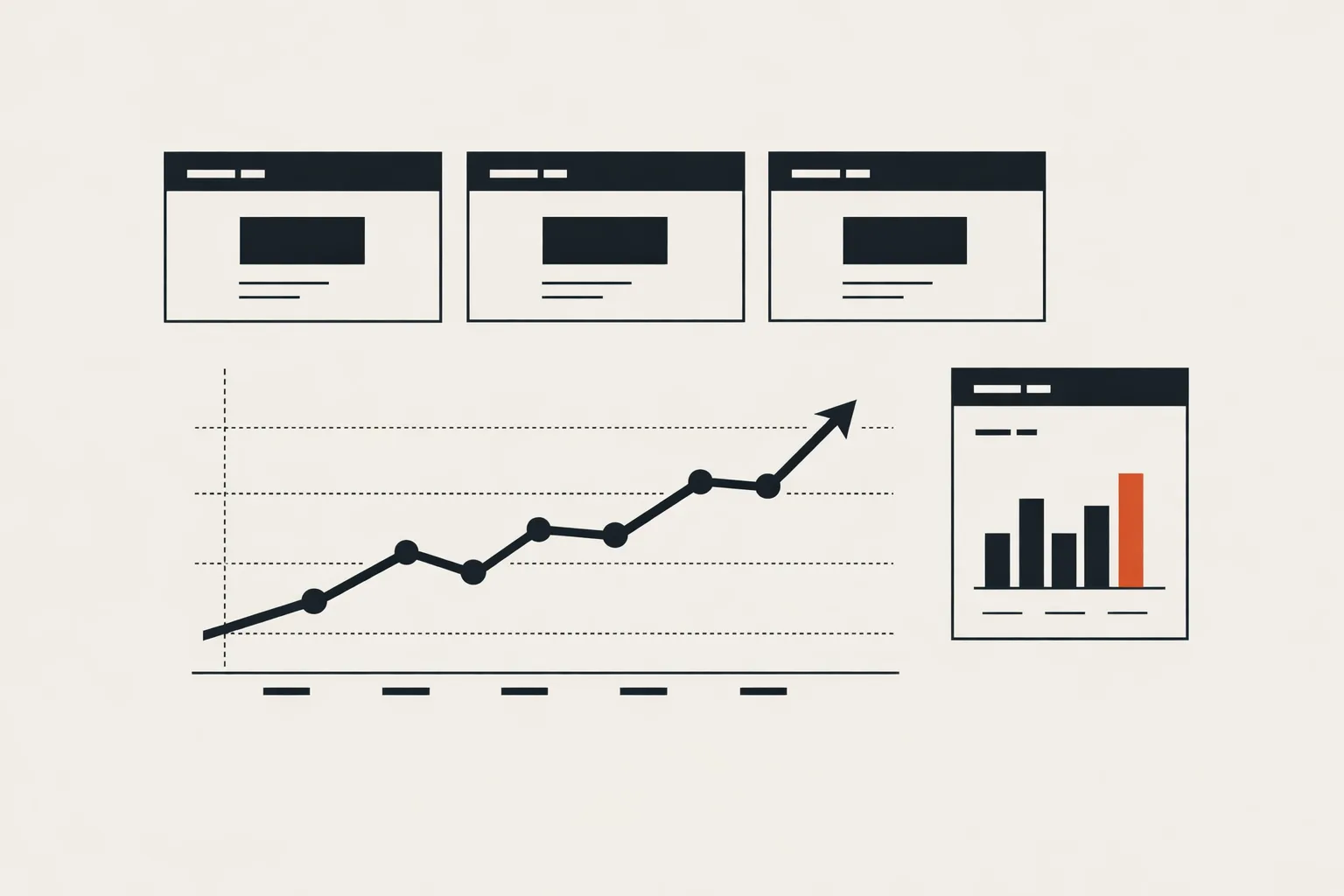
Every performance marketer I know has a complicated relationship with reporting. Clients want dashboards. Dashboards want to tell stories. But most dashboards I’ve inherited from other agencies are a wall of charts nobody reads, with ROAS plastered at the top as if it’s the only number that matters.
After running more than $1M in ad spend across Meta, Google, and LinkedIn, here’s what I actually put on a Looker Studio dashboard — and just as importantly, what I leave off.
The three numbers that always go on page one
A good dashboard answers one question immediately: is this account healthy, yes or no? Everything else is depth. On page one I put three numbers, big and bold:
- Spend vs. plan (pacing) — are we under- or over-spending relative to the month’s budget?
- Cost per result at the objective — CPL for lead gen, CPA for e-commerce, CPV for awareness. Never just “CPC” — that’s a vanity metric dressed up as performance.
- Trend vs. last period — both 7-day and 28-day. Is this moving the right way?
That’s it. Three numbers. A client should be able to glance at the top of the dashboard and know whether to panic, celebrate, or ignore.
What I put on page two
Once you know the account is healthy (or not), page two is about why. Here’s where I layer in:
- Creative performance — cost per result broken down by ad creative, not just ad set. This is where the insight hides.
- Audience/placement breakdown — which audience or placement is actually earning its budget?
- Funnel metrics — CTR, CVR, and frequency, side by side. A rising frequency with a dropping CTR is always telling you something.
- Platform mix — how is spend distributed, and how are returns distributed? They should look similar; if they don’t, there’s a reallocation to make.
What I deliberately leave off
This is the harder call. Most dashboards have too much, not too little. Things I almost never put on a client dashboard:
- Impression counts by themselves (a vanity metric unless the objective is reach)
- Reach without frequency context (meaningless)
- Raw click counts (CTR and CPC cover it)
- Engagement metrics that don’t connect to a business outcome (likes, reactions)
- Anything from “Meta suggested optimizations” — those recommendations are for the algorithm, not the human reading the dashboard
Every chart on a dashboard has a cognitive cost. Adding a chart the client doesn’t use makes it harder for them to find the chart they do use. Ruthless curation beats comprehensive coverage.
Server-side events belong in the dashboard, too
One thing I started doing more recently: surfacing server-side event quality right on the dashboard. A small panel showing “match quality” for Meta CAPI and “event match rate” for Google Enhanced Conversions. When that panel goes yellow, everything downstream starts drifting — so I want it visible before the CPL line does something weird.
It’s the kind of chart a client won’t look at most weeks, but it’s exactly the chart that tells you why nothing is working when something eventually breaks.
A dashboard should start conversations, not end them
The best test of a dashboard is whether, when you share it, the client comes back with a good question — not a “looks good, thanks” and definitely not “I don’t understand this.” A dashboard is a conversation starter about the next optimization. If yours is getting silence, it’s probably either too cluttered, too polished, or focused on the wrong metrics.
Start with three numbers, add only what earns its place, and cut anything that’s there out of habit. The dashboard isn’t the work — the decisions it unlocks are.